

Hey Cheddar Getter,
First, I was wondering what is the best way to correspond for help with you guys? On my last correspondence from Meghan via email, I replied with a question but I didn't get a response until I created another discussion about it (which is totally fine with me but I just would like to know for future reference).
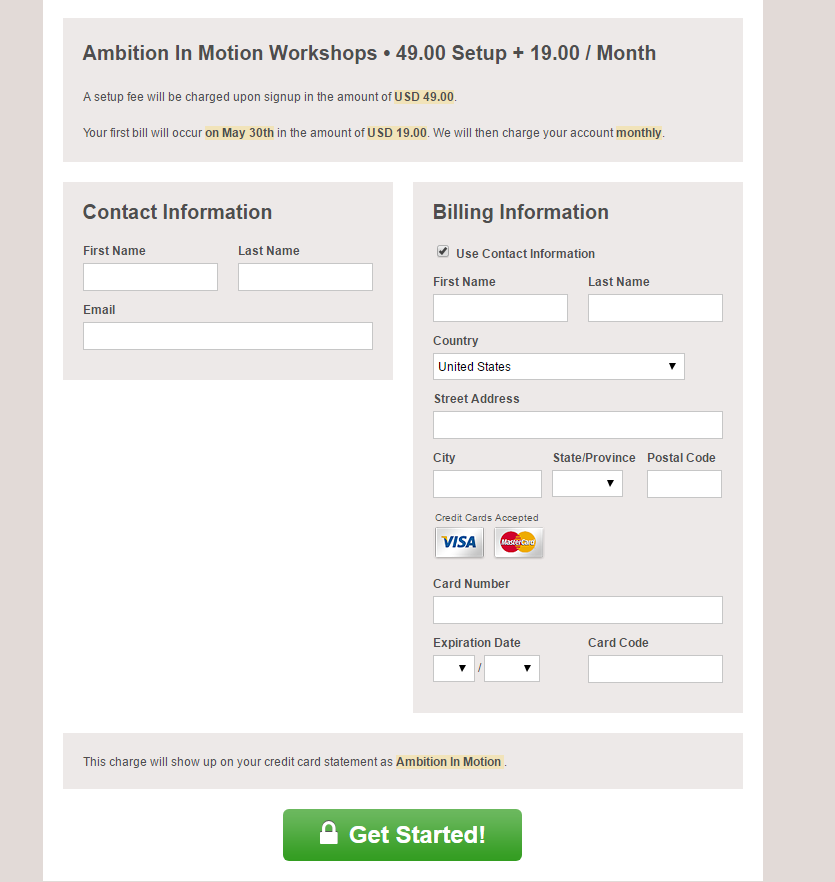
My question has to do with hosted payment pages and their promo code. So, on my configuration, I have checked the box that says "Promotion: Coupon Code" but when I click on my hosted payment page on my site, that box isn't visible. I was curious as to how I could make a promo code box visible so then I could give certain users discounted rates? I know that I have the ability to do that, but for some reason on my hosted page I can't see it. Attached is a screen shot of what my hosted page looks like. As you can see, there is no option for inputting a promo code. If you could please let me know how I can do that, I would appreciate it.
Garrett
-
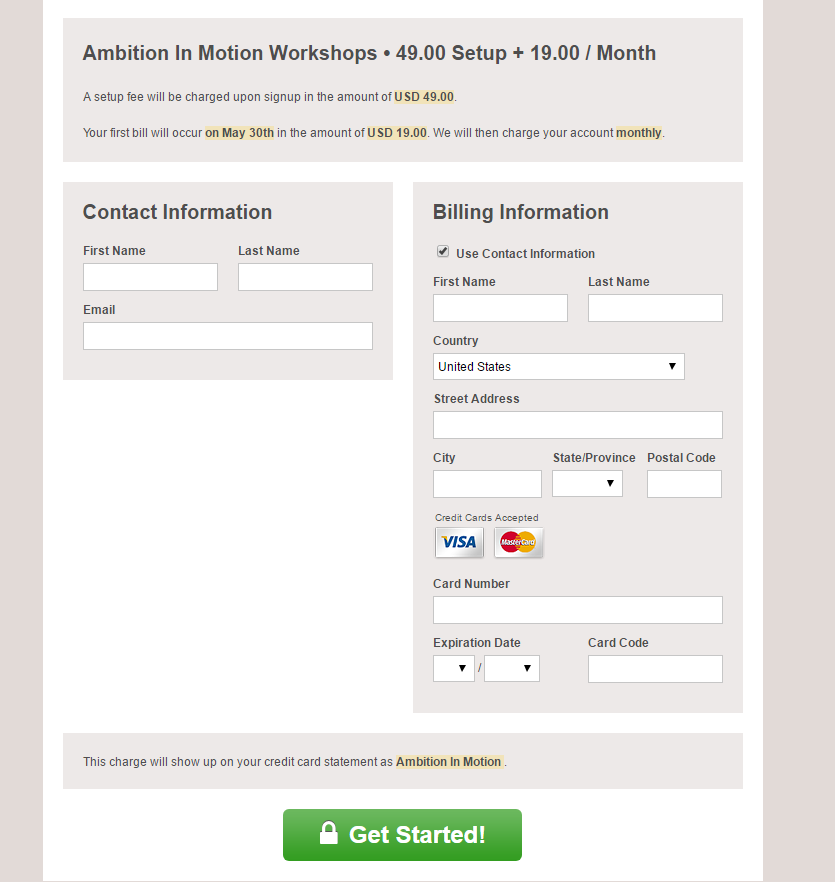 AIM_hosted_payment_page.PNG
51.8 KB
AIM_hosted_payment_page.PNG
51.8 KB
#1 Posted by Meghan Turner Support staff on 01 May, 2017 01:16 PM
Hi Garrett,
The field isn't appearing on your hosted page because you haven't created any promotions yet. To create a promotion, just visit the promotions page of the Configuration menu in your CG dashboard. Once you've done that, the field should appear on your hosted page.
As far as getting in touch with us goes, submitting a discussion on our support site is the fastest and easiest way to get in touch with our support team! Visit http://support.cheddargetter.com/discussion/new to login and start a discussion. If you're sharing any confidential information about your customers or product, you can mark the discussion as private before you submit it, so that it can only be viewed by you and our support team.
Hope that helps, but let me know if you have any other questions.
Meghan
#2 Posted by Garrett Mintz on 01 May, 2017 01:34 PM
Thank you!
Meghan Turner closed this discussion on 27 Jun, 2017 03:13 PM.